

Most software courses are geared towards digital professionals who already have some skills. Learning a new creative software can be a daunting experience for true beginners. At Austin School of Film, we had a vision to create comprehensive curriculum for all learning levels—including those with no formal training.
Being able to produce great work means knowing not just how to use one software, but having an understanding of how the different software relates. Creative professionals today have access to more software tools than ever before. We have options for literally every task imaginable, and so many of them are exceptionally good - if you know how to use them properly.
However, it can be difficult knowing where to begin when learning from scratch. Avoid stifling creative limitations and remember that everyone has to start somewhere! We’re here to help you use and understand the tools you need to continue creating quality AND meaningful work.
Here are 4 classes we recommend if you’re interested in growing your skills & projects in editing & design this fall!
Intro to Photoshop
Does Adobe Photoshop even need an introduction? A handy POWERFUL software you can use for everything from photo retouching, photo effects, graphic design, web design, print, and everything in between. Photoshop has been an essential asset in every creative industry for decades.
Next class session is hosting on September 25 & 26, 2021 at Austin School of Film.
Intro to Audio Post-Production
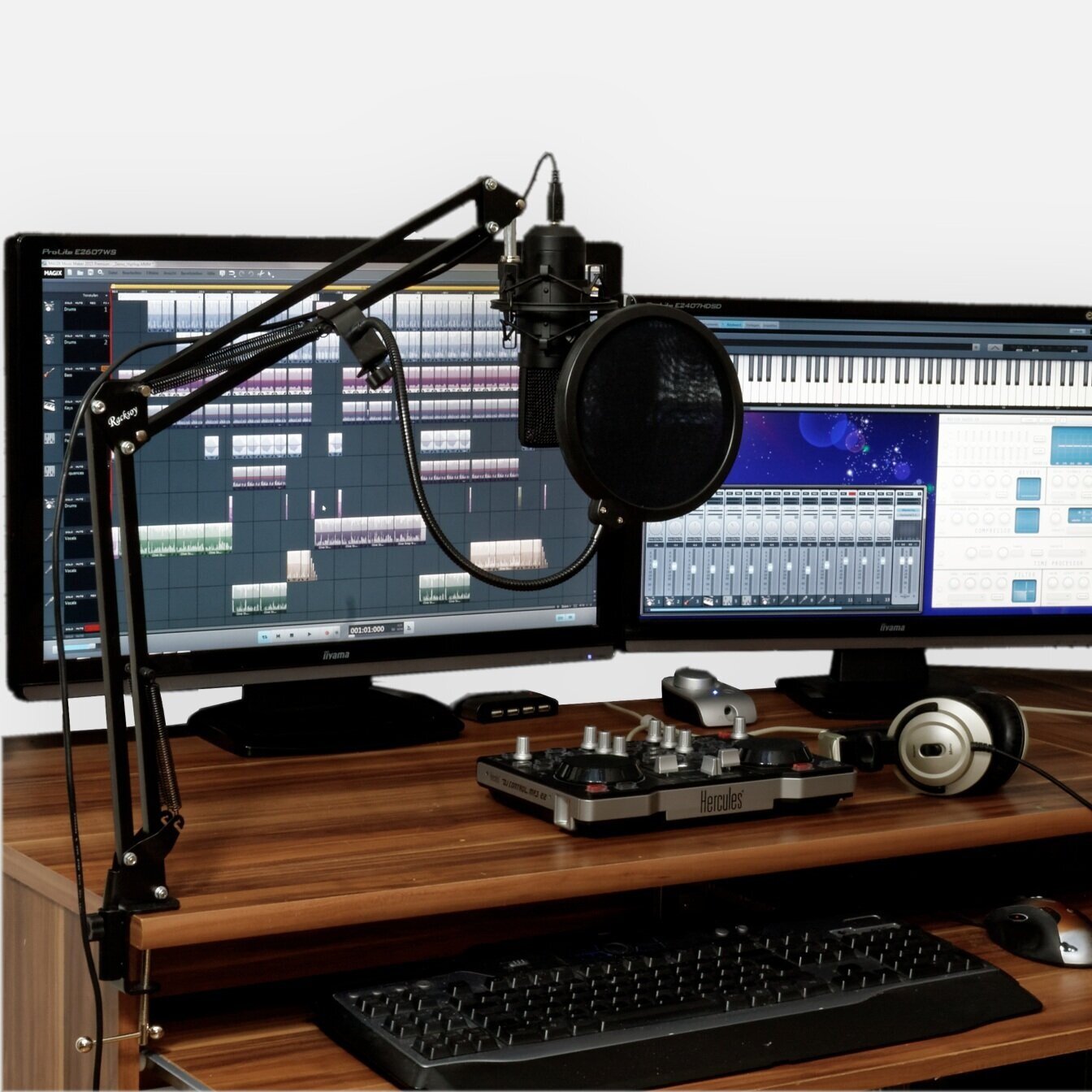
Sound is half the story. Four weeks learning to edit, design and mix it.
You'll leave with: a finished sound mix you built yourself, from dialogue cleanup to foley.
You'll take raw audio to a finished mix: dialogue edits, cleanup, foley, effects, basic scoring and balancing. You'll make footsteps out of whatever's on the table and hear a flat scene come alive when the room tone goes in. Never opened an audio program? You'll learn the workflow from scratch. Already edit picture? You'll learn to finish your own sound. Built for musicians too.
Taught by Todd Thompson, sound engineer.
Payment plans at checkout · Give this class as a gift · Taking 3 or more classes? Join Film Forward for $75 and save 10% on every class, plus studio membership at $100/month.
Texas educators: earn CPE hours.
What you'll learn
Audio post fundamentals and a little history
Editing dialogue, music and ambience
Signal processing and sound cleanup
Sound effects, foley and basic scoring
Mixing and balancing for film and TV
Applying it all to real project exercises
Good to know
Who it's for: filmmakers, editors, podcasters and musicians. Comfort on a computer required. Ages 16+.
Where: the computer lab at The Clayton. See locations
Counts toward the Film Forward Certificate and TEA CPE credit.
Quick questions
Do I need my own software? No. You get your own iMac station with Adobe Audition and GarageBand, plus post-audio gear.
No audio experience? None needed.
Can I pay over time? Yes, at checkout. Need an invoice for your employer or school? Email us.
Small by design. Classes of 10 to 15, taught by working artists, at a community film school that's been teaching hands-on filmmaking in Austin for more than 30 years. Not sure which class is right? Book a free consult.
Payment plans · Equipment and damage · Class terms and refunds
You want to learn the knowledge and techniques you need to excel in the audio post-production world, but have no idea where to start? Our 4-week course will cut through the confusing jargon, show you exactly what goes on during each stage of post-production when editing audio, and give you the confidence needed to move forward with your projects
Learn how to handle sessions from start to finish, including: planning, production scheduling, communications with clients and collaborators, recording audio effects and performances, editing different types of audio material together in an exciting soundtrack, dealing with audio post-production issues and much more!
Students will work with software that is accessible for both Mac and PC users.
Next class session starts in October 5, 2021.
Intro to Premiere Pro
Twelve hands-on hours to go from "where do I click" to cutting your own work in Premiere Pro.
You'll leave with: a finished edit and a workflow you can use on your own projects Monday.
Premiere Pro is the editor most studios, agencies and creators work in. You'll learn it the way editors actually use it: organizing footage, building a cut, revising it, then finishing with color, titles and effects. Bring the footage that's been sitting on your phone for a year. Self-taught editors are welcome too, and plenty come to fill gaps and speed up.
Taught by William F. Reed, filmmaker and Austin School of Film educator.
Payment plans at checkout · Give this class as a gift · Taking 3 or more classes? Join Film Forward for $75 and save 10% on every class, plus studio membership at $100/month.
Texas educators: earn CPE hours. · One weekend. Worth the drive.
What you'll learn
The interface, importing and organizing footage
Video fundamentals and core editing techniques
Transitions, revising and enhancing the edit
Color correction
Titles and effects
Good to know
Who it's for: beginners, creators and self-taught editors. Comfort with computers required. Ages 16+.
Where: the computer lab at The Clayton. See locations
Next step: Advanced Premiere Pro or Editing Theory & Aesthetics
Counts toward the Film Forward Certificate and TEA CPE credit.
Quick questions
Do I need a laptop or Premiere? No. You get an iMac station with Premiere Pro and an asset pack. Bring your own laptop if you prefer.
Never edited before? Perfect. We start with the interface.
Can I pay over time? Yes, at checkout. Need an invoice for your employer or school? Email us.
Small by design. Classes of 10 to 15, taught by working artists, at a community film school that's been teaching hands-on filmmaking in Austin for more than 30 years. Not sure which class is right? Book a free consult.
Payment plans · Equipment and damage · Class terms and refunds
Feeling overwhelmed by the amount of information on Adobe Premiere Pro? Not sure where to start or what is important?
Our Intro to Adobe Premiere Pro course curriculum is designed specifically for beginners interested in getting up-to-speed using this program as quickly as possible. Accessible on both PC & Mac makes this powerful editing software open to all users. Whether you're an indie filmmaker, YouTuber, or video editor looking for an edge or change up on software— our 12-hour intro training course will help you attain greater success within this powerful video editing program.
Next class session is hosting on September 4 & 5, 2021 at Austin School of Film.
Intro to Final Cut Pro X
Trying to learn a new creative software application alone is enough to inspire anyone to quit. But, it doesn't have to be this way. There are ways to learn and work with Final Cut Pro at your own pace in an environment where you are supported by peers and an instructor.
Our Intro to Final Cut Pro course will provide you with the necessary skills to edit your own digital media projects, including film, video and audio editing. You'll get familiar with the interface, practice basic editing techniques, discover how video can tell compelling stories and much more!
Please note: This application is only accessible on Apple devices.
Next class session is hosting on September 19 & 19, 2021 at Austin School of Film.
We know it can be difficult knowing where to begin when learning from scratch, and this is where a lot of people can give up or feel too intimidated to take the first step.
Austin School of Film develops curriculum directly with our educators & industry experts, that will help anyone looking to get started in creative media, editing, and design. Class sizes are small & intimate to ensure students have 1-1 time to troubleshoot with the educator on their questions. Did we also mention all you do is bring yourself? All software training courses take place in Austin School of Film iMac computer lab. All digital assets and software’s latest version is pre-loaded onto machines to ensure once you hit the door, we can begin class.
All computers, software, and additional supplies are included in tuition for the duration of all Post-Production, Editing, and Design courses at Austin School of Film.
