Intro to Adobe Premiere Pro

$355.00

Twelve hands-on hours to go from "where do I click" to cutting your own work in Premiere Pro.

You'll leave with: a finished edit and a workflow you can use on your own projects Monday.

Premiere Pro is the editor most studios, agencies and creators work in. You'll learn it the way editors actually use it: organizing footage, building a cut, revising it, then finishing with color, titles and effects. Bring the footage that's been sitting on your phone for a year. Self-taught editors are welcome too, and plenty come to fill gaps and speed up.

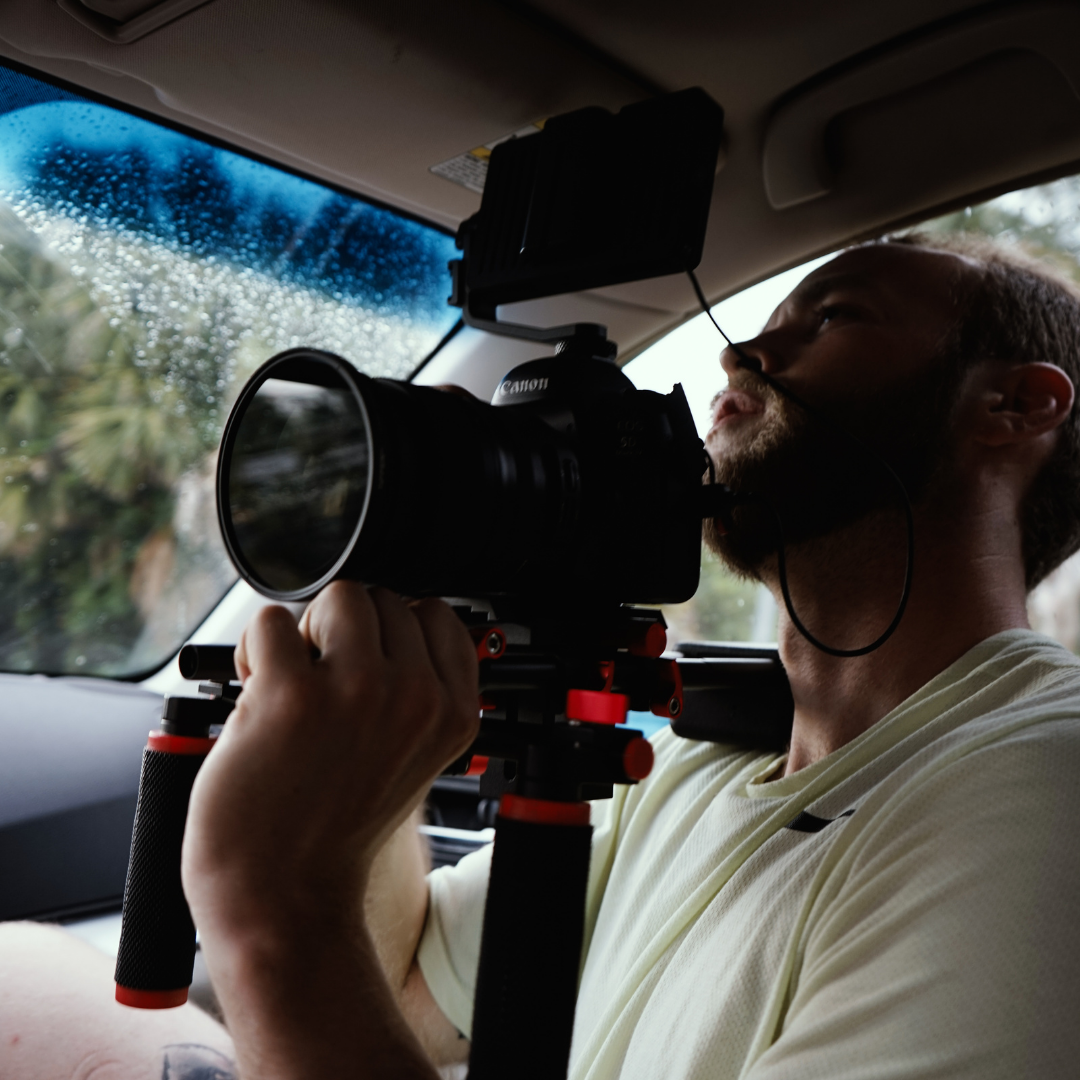
Taught by William F. Reed, filmmaker and Austin School of Film educator.

Payment plans at checkout · Give this class as a gift · Taking 3 or more classes? Join Film Forward for $75 and save 10% on every class, plus studio membership at $100/month.

Texas educators: earn CPE hours. · One weekend. Worth the drive.

What you'll learn

  • The interface, importing and organizing footage

  • Video fundamentals and core editing techniques

  • Transitions, revising and enhancing the edit

  • Color correction

  • Titles and effects

Good to know

Quick questions

  • Do I need a laptop or Premiere? No. You get an iMac station with Premiere Pro and an asset pack. Bring your own laptop if you prefer.

  • Never edited before? Perfect. We start with the interface.

  • Can I pay over time? Yes, at checkout. Need an invoice for your employer or school? Email us.

Small by design. Classes of 10 to 15, taught by working artists, at a community film school that's been teaching hands-on filmmaking in Austin for more than 30 years. Not sure which class is right? Book a free consult.

Payment plans · Equipment and damage · Class terms and refunds

Schedule:

Twelve hands-on hours to go from "where do I click" to cutting your own work in Premiere Pro.

You'll leave with: a finished edit and a workflow you can use on your own projects Monday.

Premiere Pro is the editor most studios, agencies and creators work in. You'll learn it the way editors actually use it: organizing footage, building a cut, revising it, then finishing with color, titles and effects. Bring the footage that's been sitting on your phone for a year. Self-taught editors are welcome too, and plenty come to fill gaps and speed up.

Taught by William F. Reed, filmmaker and Austin School of Film educator.

Payment plans at checkout · Give this class as a gift · Taking 3 or more classes? Join Film Forward for $75 and save 10% on every class, plus studio membership at $100/month.

Texas educators: earn CPE hours. · One weekend. Worth the drive.

What you'll learn

  • The interface, importing and organizing footage

  • Video fundamentals and core editing techniques

  • Transitions, revising and enhancing the edit

  • Color correction

  • Titles and effects

Good to know

Quick questions

  • Do I need a laptop or Premiere? No. You get an iMac station with Premiere Pro and an asset pack. Bring your own laptop if you prefer.

  • Never edited before? Perfect. We start with the interface.

  • Can I pay over time? Yes, at checkout. Need an invoice for your employer or school? Email us.

Small by design. Classes of 10 to 15, taught by working artists, at a community film school that's been teaching hands-on filmmaking in Austin for more than 30 years. Not sure which class is right? Book a free consult.

Payment plans · Equipment and damage · Class terms and refunds

ABOUT THE EDUCATORS

William F. Reed is an independent filmmaker based in Austin, Texas, with a rich background in the film industry. Beginning his career in Los Angeles, he worked on notable productions such as "Star Trek" (2009), "Tenacious D in the Pick of Destiny" (2006), and "Epic Movie" (2007). In 2010, he founded Rude Boy Pictures, through which he has created a diverse portfolio of music videos, short films, documentaries, and narrative features, serving as writer, producer, director, and editor.

An avid supporter of the film community, William played a pivotal role in the creation of the Hill Country Film Festival (HCFF), where he continues to contribute as Technical Director and Film Programmer. He also collaborates with the Lone Star Film Society, serving as Lead Programmer for their annual Lone Star Film Festival (LSFF) and as Lead Instructor for their summer film camps, presented in conjunction with HCFF.

With seven years of experience teaching film production, cinematography, and post-production, William is thrilled to bring his expertise to the faculty at the Austin School of Film.


Gary Gibich is a graduate of the University of Texas Film School and currently serves as an instructor for Adobe After Effects CC (Creative Cloud) and Adobe Premiere Pro CC courses at the Austin School of Film. With a professional background in both Film and Broadcast Television, Gary brings a wealth of industry experience to his teaching.

In addition to his work in education, Gary is also a prolific writer. His book, "Patton’s Lost Platoon," based on a true WWII story, was recognized as an Amazon Breakthrough Novel Award Quarterfinalist in 2010. Gary continues to write novels, scripts, and short form projects, remaining actively engaged in production and post-production.

Who Should Attend:

  • Editors transitioning from other editing platforms like Avid, Sony Vegas, iMovie, and Final Cut Pro

  • Individuals new to the world of editing seeking a solid introduction and foundation in editing skills

  • Digital Video Certificate students may take this course in place of Intro to Final Cut Pro X

Pre-requisites:

  • None necessary; beginners welcome

  • Students must be at least 16 years old to take this class

Supplies:

  • All provided including access to the software

Certificate:

  • Digital Video Certificate editing class

Certification:

  • This course, along with all Austin School of Film adult courses, is certified by the Texas Education Agency (TEA) to provide Continuing Professional Educational (CPE) credits